
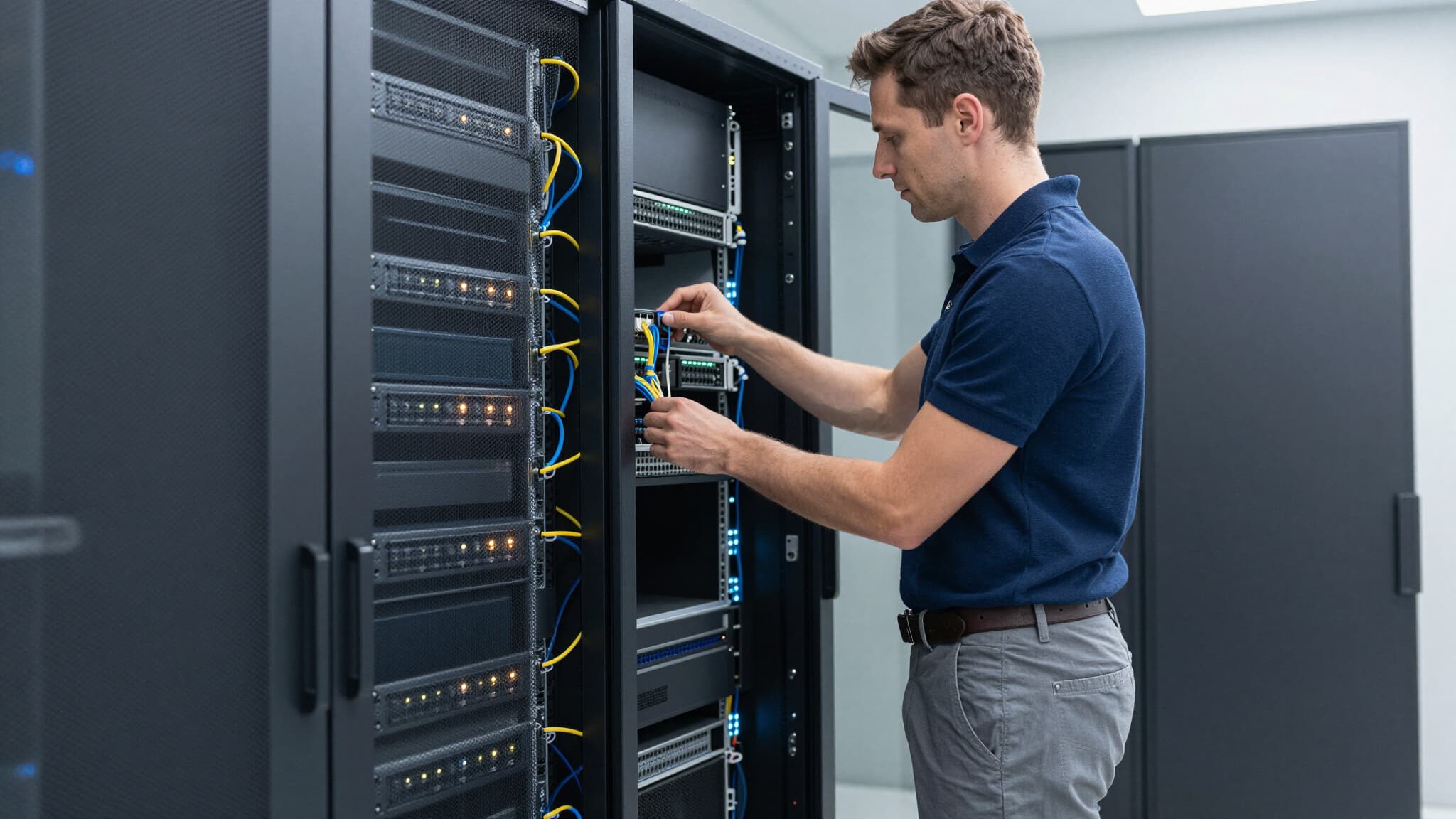
Running IT for a small business in the Great Plains is not the same job as running IT in Phoenix or Boston. The weather actually does something to your hardware. The power grid has moods. Your ISP map looks fine on paper, until a transformer in Moore takes a hit during a May storm and half your block goes dark for nine hours. Infrastructure optimization out here is less about chasing the latest gear and more about engineering for the realities of where you actually do business.
This post is a practical look at what those realities are and how a small business in Norman, Moore, or the OKC metro should think about hardening, sizing, and tuning the IT stack you already own — plus what an actual optimization engagement looks like when we do one for a client.
What is actually different about IT in Oklahoma
Every region has quirks. Ours come with names like derecho, supercell, and ice storm. Here is what shows up in real client environments:
- Power events are routine, not exceptional. OG&E and OEC both do good work, but a metro that catches 40+ severe weather days a year is going to brown out, dip, and surge more than the national average. Cheap consumer UPS units do not handle that well.
- Broadband is uneven by zip code. Inside Norman or central OKC you can pull symmetric fiber from Cox, AT&T, or a regional carrier. Drive ten minutes out toward Newcastle or Goldsby and your options collapse to fixed wireless, DSL, or whatever the local co-op runs. Small businesses on the edge of the metro feel this hardest.
- Heat and dust are real for on-prem gear. Server closets above suspended ceilings, network switches sitting on top of filing cabinets, and unfiltered intake fans all age twice as fast in an Oklahoma summer. Hardware that should last seven years lasts four.
- Tornado season changes your DR math.A backup target sitting in the same building as the production server is not a backup. A backup target sitting in a colo on the same side of the metro is barely better. Geographic separation is a regional requirement here in a way it just isn't somewhere safer.
Power: the layer everyone underspends on
Nine out of ten small business server rooms we walk into are running on UPS units that are undersized, expired, or both. The battery in a UPS has a real lifespan — three to five years on a good one — and after that it will fail to carry the load the first time it is actually needed.
Sizing the UPS correctly
Add up the wattage of everything you actually want to ride through a 10-minute outage: firewall, switch, server, NAS, the one workstation that handles a critical line-of-business app. Multiply by 1.4 for headroom. That is your minimum VA rating. For most 10–30 person offices that lands somewhere between a 1500VA and 3000VA online double-conversion unit — not a $129 standby box from a big-box store.
Surge protection that does not lie to you
Whole-building surge protection at the panel, plus point-of-use surge strips with a documented joule rating, plus an online UPS that conditions the line. That is the stack. Skipping any of the three is what kills a $4,000 firewall during a storm.
Connectivity: redundant ISP is no longer optional
If your business cannot function for two hours without internet — and almost none can — you need a second path. The good news is the cost has dropped. A typical small business setup in the OKC metro looks like this:
- Primary: Cox Business Fiber or AT&T Fiber, 500/500 or 1G/1G, static IP block.
- Secondary: 5G fixed wireless from T-Mobile or Verizon, or a second fiber carrier where available. A few hundred dollars a month buys real failover.
- Failover device: A small business firewall with dual WAN — most modern units from Fortinet, Sophos, or Meraki handle this natively, with sub-second cutover.
Rural and edge-of-metro businesses sometimes get a better answer from a regional fiber co-op (OEC Fiber and Pioneer in some footprints) than from a national carrier. Knowing which is which by address is one of the practical benefits of working with a local IT partner — see our services page for how we handle ISP design.
Backups: get the copy out of the storm zone
The classic backup rule is 3-2-1: three copies of your data, on two different media, with one copy offsite. For an Oklahoma business, "offsite" needs to mean off this weather system— not a NAS in the owner's house six blocks away. Cloud targets in regions like AWS us-east-2 (Ohio) or Azure South Central plus a secondary in a different geography give you real geographic separation.
Two practical adds for this region:
- Immutable backups. If ransomware reaches your backup target, you do not have backups. Immutable storage (object lock on S3, immutability flags on Wasabi or Backblaze B2) makes that attack class fail.
- Tested restores on a calendar. Quarterly at minimum. We schedule them for clients and email the report to the owner. If a restore fails, we find out in March, not the morning after a May tornado.
What an infrastructure optimization engagement actually looks like
When a client asks us to do a real infrastructure optimization, this is the shape of the work. It usually runs four to six weeks end to end.
Week 1 — discovery
On-site walk of every closet, rack, and desk. Inventory of every device that has an IP. Documentation of ISP circuits, account numbers, and contact reps. Power audit of the server area. Photos of every cable run we will eventually have to touch.
Week 2 — analysis and roadmap
We turn the inventory into a one-page risk register: what fails first, what costs the most if it fails, what is past warranty, what is undersized. That becomes a prioritized roadmap with budget ranges, not a wishlist.
Weeks 3–5 — execution
UPS replacements, firewall and switch upgrades where needed, redundant ISP cutover, backup target migration, and documentation. Most of this happens after hours so the business does not feel it.
Week 6 — handoff and monitoring
Every device under monitoring. A written run-book the owner actually keeps. Quarterly review scheduled. The point is that the engagement does not end — it transitions into a rhythm.
What a Great Plains owner should do this quarter
- Check the date on every UPS battery in the building. Replace anything over four years old.
- Confirm you have a written record of which ISP serves you, the account number, and a 24/7 support line.
- Pull last month's backup report. If you cannot, that is the finding.
- Walk your server area on a 95-degree day. Note the temperature. Decide whether that is acceptable.
If any of that surfaces something you would rather not stare at alone, reach out for a no-obligation assessment. We do these for small businesses across Norman, Moore, and the OKC metro, and you get a written report at the end of it either way.
Want help putting this into practice?
We'll audit your security, speed, and hardware in under an hour — no commitment, no sales pitch. Just a clear roadmap of what to fix and why.